Advertisement
Click to download now, finish the installation quickly, and directly unlock the all-round experience
Advertisement
Screenshots
Click to download now, finish the installation quickly, and directly unlock the all-round experience
Autodesk Fusion is a mobile companion for people who need to inspect or discuss 3D designs made with Autodesk’s cloud-based Fusion desktop product. It suits designers, engineers and project stakeholders who need to check a model away from their main workstation, rather than a casual user looking for a general-purpose drawing app.
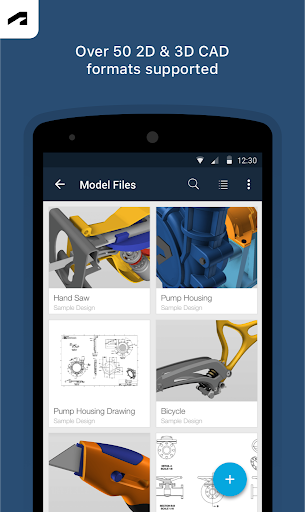
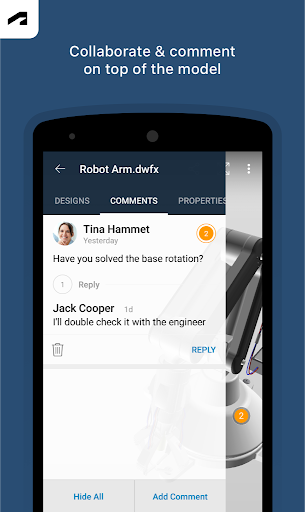
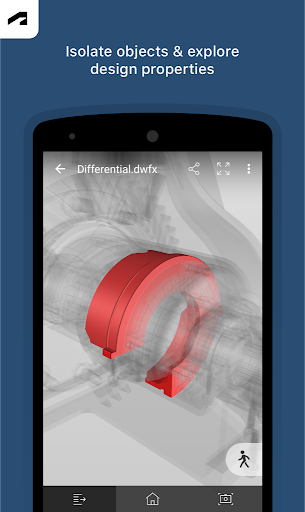
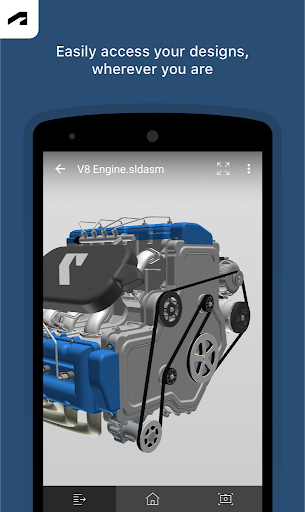
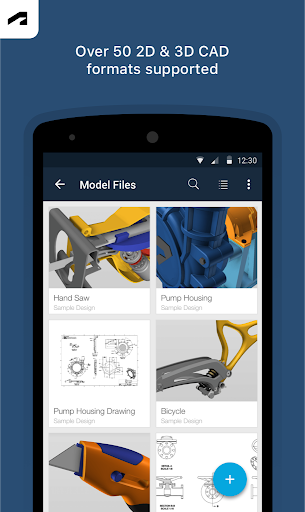
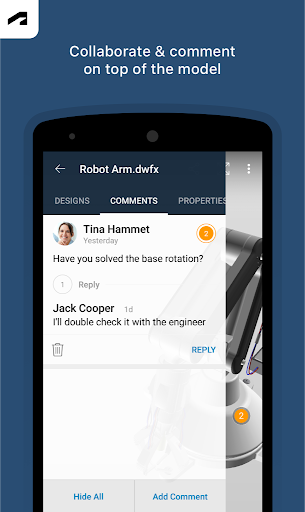
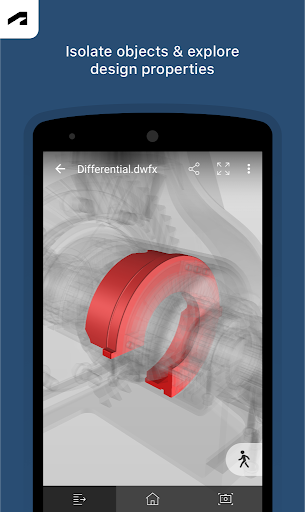
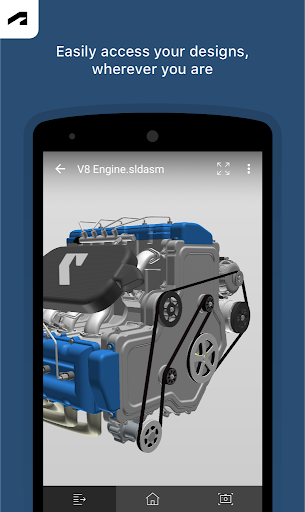
The app can display designs in more than 100 file formats, including STEP, IGES, STL, DWG and Autodesk Fusion files. Touch controls let you zoom, pan and rotate a model. You can also hide or isolate components, review assemblies, check design properties and view parts lists. Project activity and updates are available in the app, helping collaborators follow changes to shared work.
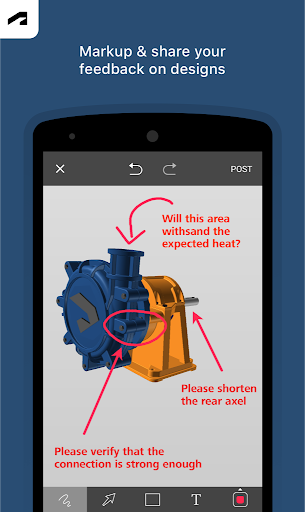
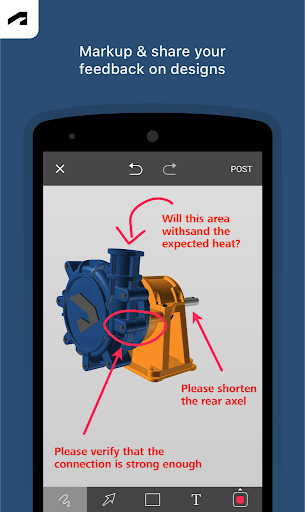
Fusion is built around reviewing and sharing designs, including with people outside your company. The app can create screenshots with markups, giving reviewers a way to point out details without relying only on a verbal description. Access to the desktop Fusion product is part of the intended workflow: this Android app is for viewing and collaboration, not a replacement for the full design environment.
Autodesk Inc. is the developer, and the listing reports more than 1,000,000 installs. That reach sits alongside a low rating: 1.53 from 4,911 ratings. The score is a substantial warning for anyone relying on the app for work, though it does not explain which problems individual users encountered. Consider whether its mobile review tools match your needs before making it part of a project routine.